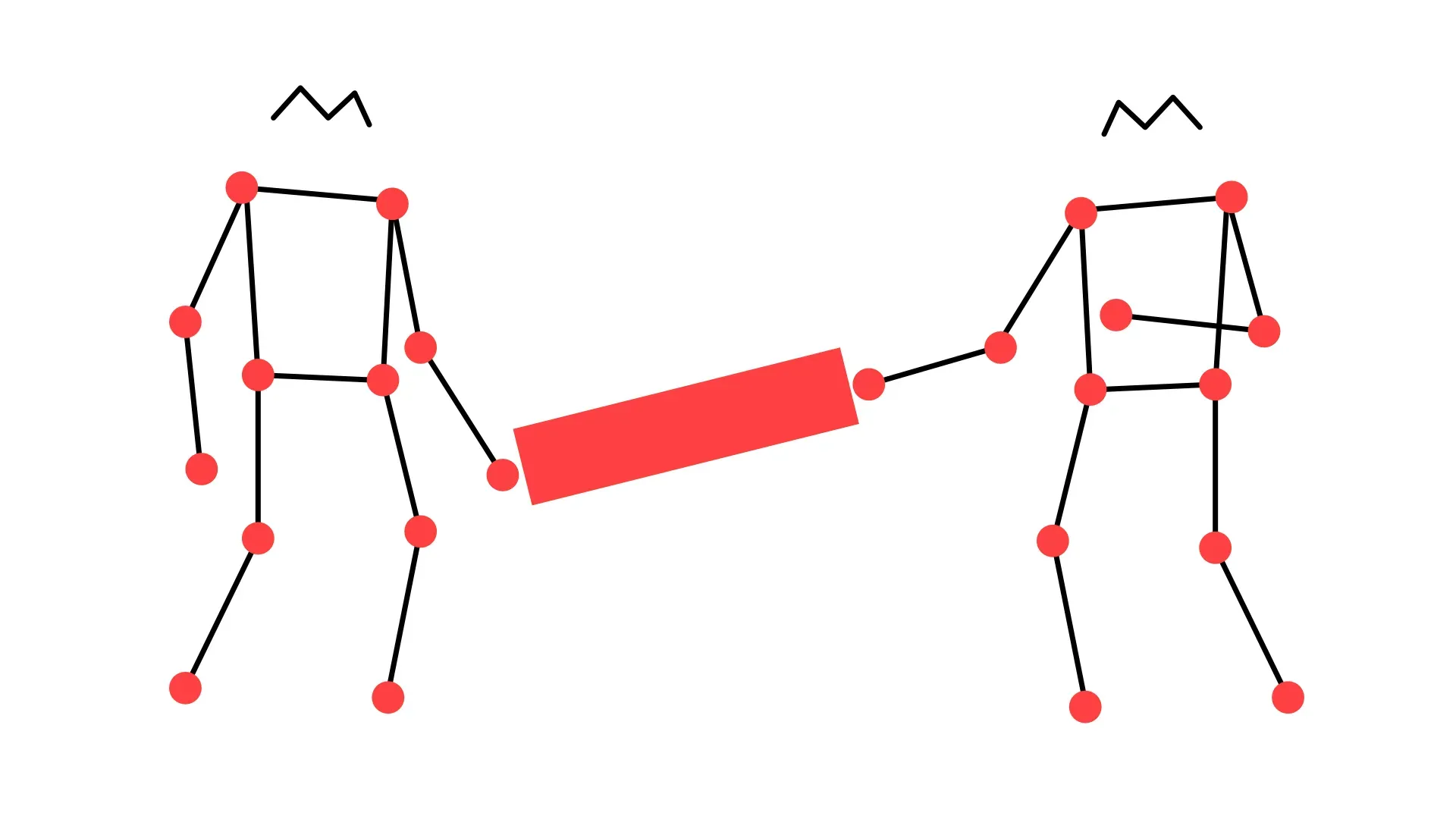
Bodies Moving Together
This project is an exploration of how people can communicate and manipulate the world through touch in a virtual environment. Objects are placed in a shared virtual environment and users can manipulate them by moving their bodies, which are tracked with MoveNet.
Year
2024
Duration
3 weeks
Type
Group Project
Responsibilites
coding, concept development
Collaborators
Lora Yordanova
Tools
JavaScript, HTML, CSS, MoveNet
Keywords
haptics, GUIs, interactivity
About the project
The exploration started from a discussion about how people move and collaborate to achieve common goals that was sparked by Heath C. & Luff P.'s Passing Touch. The authors discuss how, in a surgery room, a scrub nurse and a surgeon engage in an expert but silent dialogue when exchanging tools, all by negotiating touch through objects. With this inspiration as a starting point, my team member and I set out to create experiences where we can collaborate through objects in a virtual environment.
Manipulating non-physical objects
If you pick up an object, your hand can understand its characteristics. The hand feels texture, warmth, consistency and more. In virtual or hybrid spaces, the lack of physicality creates a challenge for designers creating collaborative experiences. This exploration starts from this reflection and explores how a non-physical object can be manipulated by two users working together.
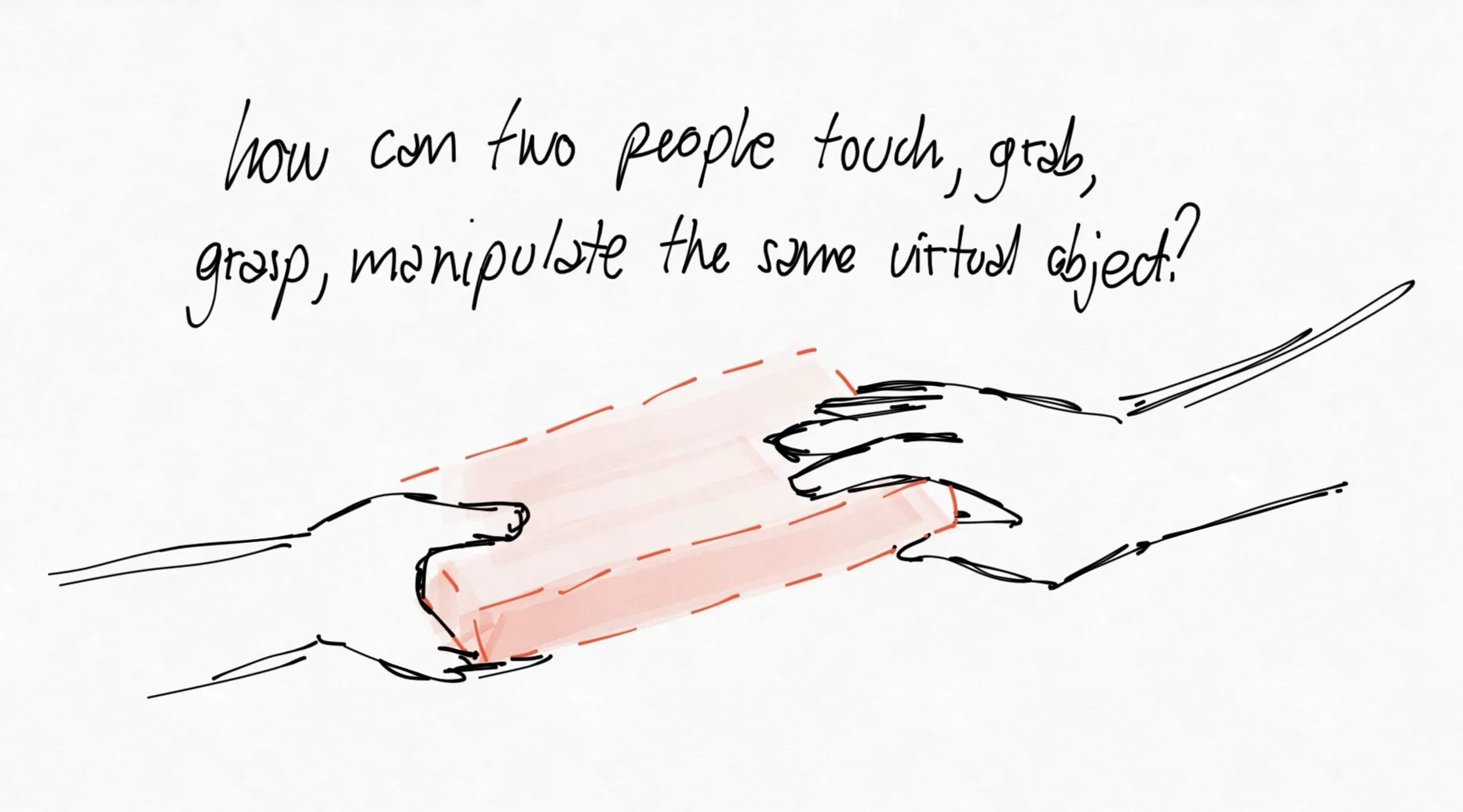
How can two people touch, grab, grasp and manipulate the same virtual object when there is no physical material through which the hands can communicate?
Discrete gestures from continuous input
Our initial sketches attempted to mimic literal grabbing by measuring the distance between users' wrists and the virtual object's corners. This proved not to be the correct approach since precise coordination is difficult without tactile feedback. The challenge laid in translating the continuous stream of body tracking data into discrete gestures and states that could tell the system to make the object ‘grabbable’ or ’movable’. This rudimentary approach where core features of the shape turned into control points didn’t work out because the system could not easily determine if a rapid motion of the hands meant a user was intentionally moving the object or trying to release it.
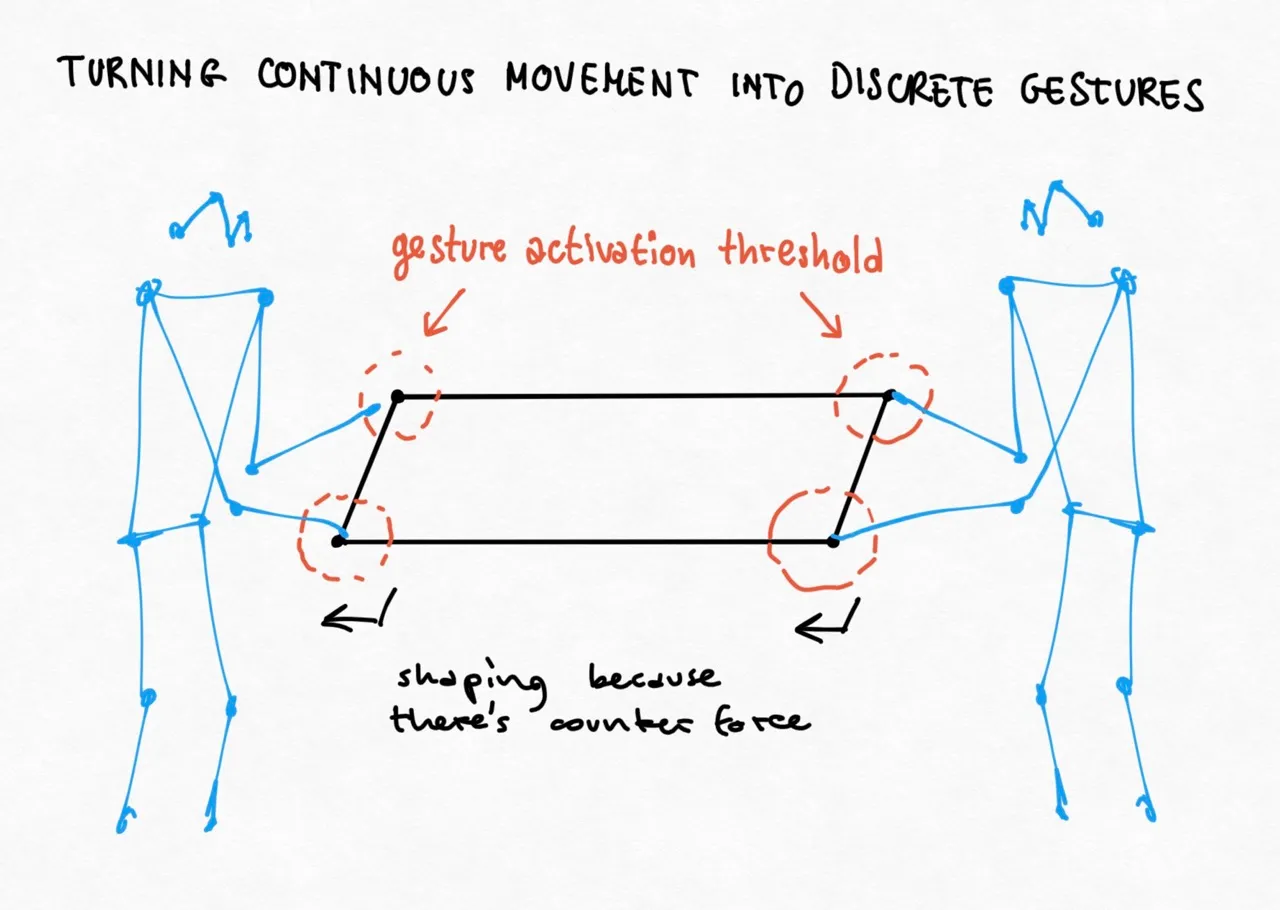
Sketches of two users manipulating a shared, non-tangible object where the corners act as control points.
Prototype
In this prototype we tried using our hands to manipulate a shared object in a virtual environment. The object is a simple white cube that can be grabbed from its corners. The system uses MoveNet to track the users' hands and determine when they are close enough to the control points to grab it. When both users grab the cube, the object turns red and can be moved around the space. The issue with this prototype was that the users could not easily grab, move or release the object.
Equipping things with inclinations
To overcome the lack of physical resistance and the ambiguity of explicit input, we explored giving our virtual objects their own "inclinations". An inclination is the digital thing's tendency to react to user input while constantly pushing back to reach a default, unmodified resting state. Instead of relying on a binary system of distinct grabbing and releasing states, the object responds to a continuum of movements.
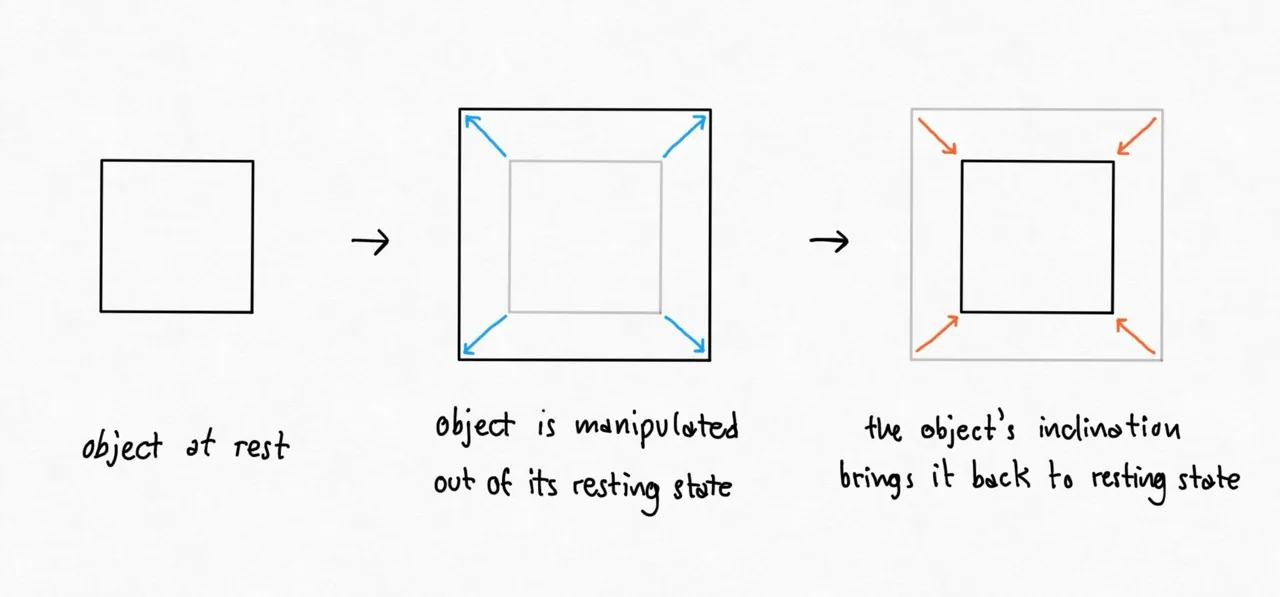
A digital object with inclinations. The object has a resting state to which it returns when not manipulated. The users can manipulate by contrasting the object's inclination with their own movements.
Prototype
In this prototype we built two rectangles that attempt to shrink in width and the user needs to pull the rectangle to stretch it with a motion similar to pulling a rope. When the users stop pulling, the rectangle returns to its resting state. In this prototype, shared manipulation is missing.
Sharing objects from different perspectives
The final prototype explores the idea of sharing a single object from two different perspectives. Instead of looking at a common image projected on the wall, the two users look at the same object from different angles which are displayed on two different screens. In this case, the two users play a game similar to tug-of-war, where they need to pull the object in opposite directions to stretch it.
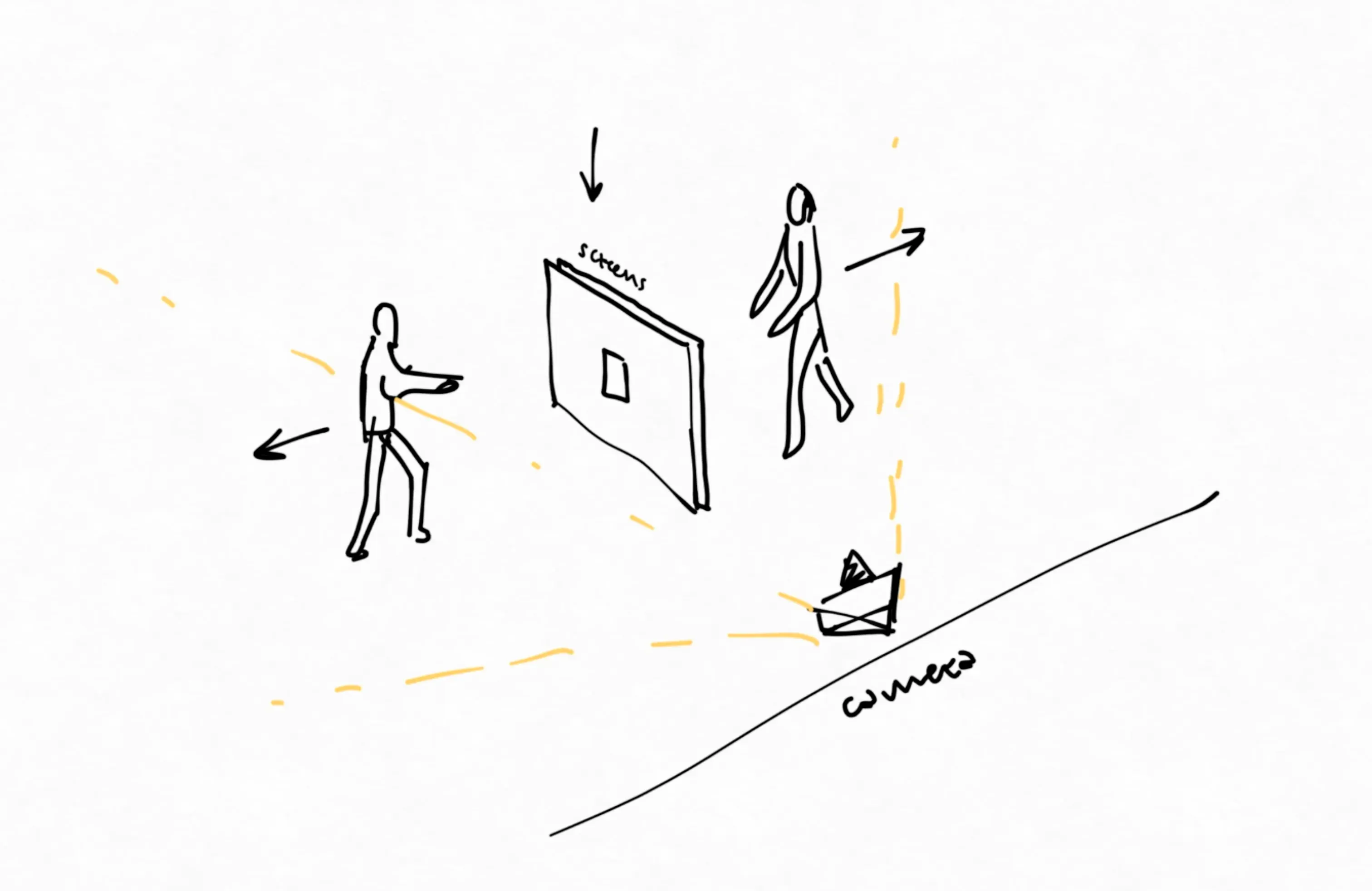
The setup of two users playing a game similar to tug-of-war where they need to pull a shared object in opposite directions. The two users look at the same object from different angles which are displayed on two different screens.